
Compatible with
متوافق مع
Suitcases
حقائب السفر
Travel bags & backpacks
حقائب السفر وحقائب الظهر
Luggage handles
مقابض الحقائب
Steps
- 1
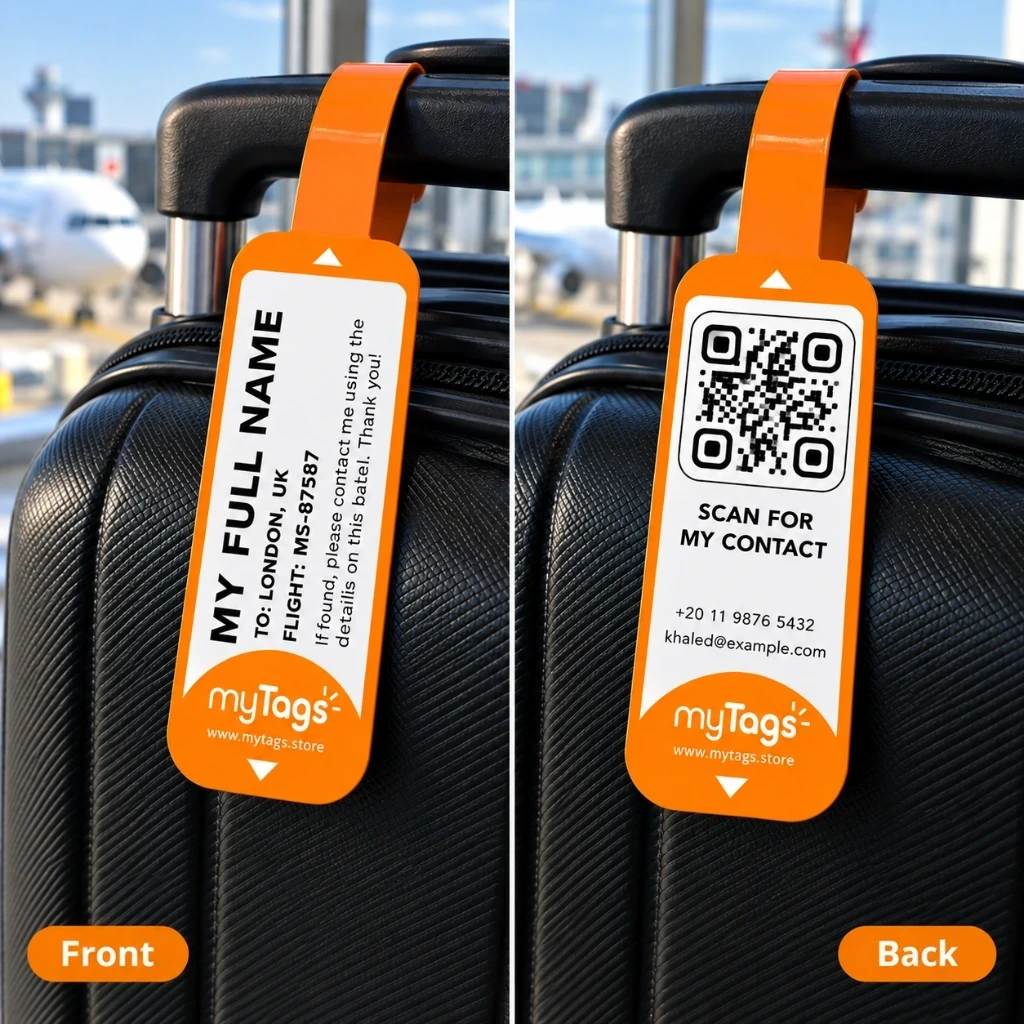
Face — your name
الوجه — الاسم
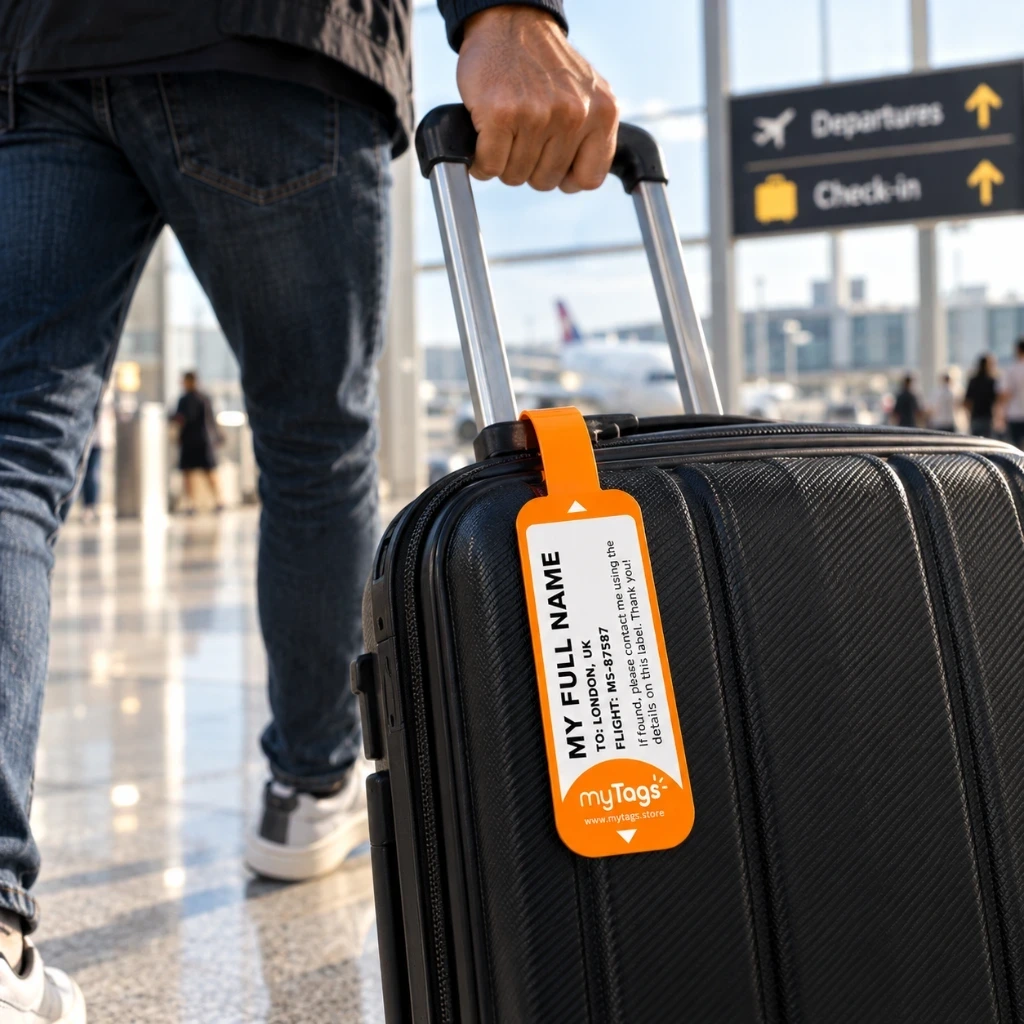
ENThe front face of the label shows your name clearly, so the bag is easy to identify.
عوجه الملصق الأمامي يعرض اسمك بوضوح ليسهل التعرف على الحقيبة.
- 2
Back — contact & QR
الخلف — التواصل وQR
ENThe back side holds your contact information and the QR code with the details you provided.
عالجهة الخلفية تحتوي على بيانات التواصل ورمز QR بالمعلومات التي أدخلتها عند الطلب.
- 3
Fold face out
اطوِ والوجه للخارج
ENFold the label so the face (name) faces outward. Keep the back (contact info and QR) protected inside the fold until needed.
عاطوِ الملصق بحيث يكون الوجه (الاسم) ظاهرًا للخارج، ويبقى الخلف (بيانات التواصل ورمز QR) محميًا داخل الطي حتى الحاجة إليه.
- 4
Loop through the handle
مرّر الملصق عبر المقبض
ENPass the label through the suitcase or bag handle, then close it so it stays attached.
عمرّر الملصق عبر مقبض الحقيبة، ثم أغلقه حتى يبقى ثابتًا بإحكام.
- 5
Press hard to seal
اضغط بقوة للإغلاق
ENPress the face and back firmly together so no air gap remains between them after install.
عاضغط الوجه والخلف بقوة معًا بعد التركيب حتى لا يبقى أي فراغ أو هواء بينهما.
- 6
Open back to scan QR
افتح الخلف لمسح QR
ENWhen needed, open the fold to read the contact details or scan the QR with a phone camera. No app required.
ععند الحاجة، افتح الطي لقراءة بيانات التواصل أو مسح رمز QR بكاميرا الهاتف، دون الحاجة إلى تطبيق.
- 7
Need updated details?
هل تغيّرت بياناتك؟
ENThe QR is static. If your contact information changes, order a new label.
عرمز QR ثابت ولا يمكن تحديثه. إذا تغيّرت بيانات التواصل، يُرجى طلب ملصق جديد.
Avoid
تجنّب
Do not leave loose
لا تتركه سائبًا
Do not leave the label loose inside a pocket. Attach it securely through a handle or strap loop.
لا تترك الملصق سائبًا داخل الجيب. ثبّته بإحكام من خلال المقبض أو حلقة الحزام.
Products that use this guide
Need help?
Need help?
Questions about applying your labels? Message us on WhatsApp.